







About
Flattening for AI, Context for understanding, and Grading for quality.
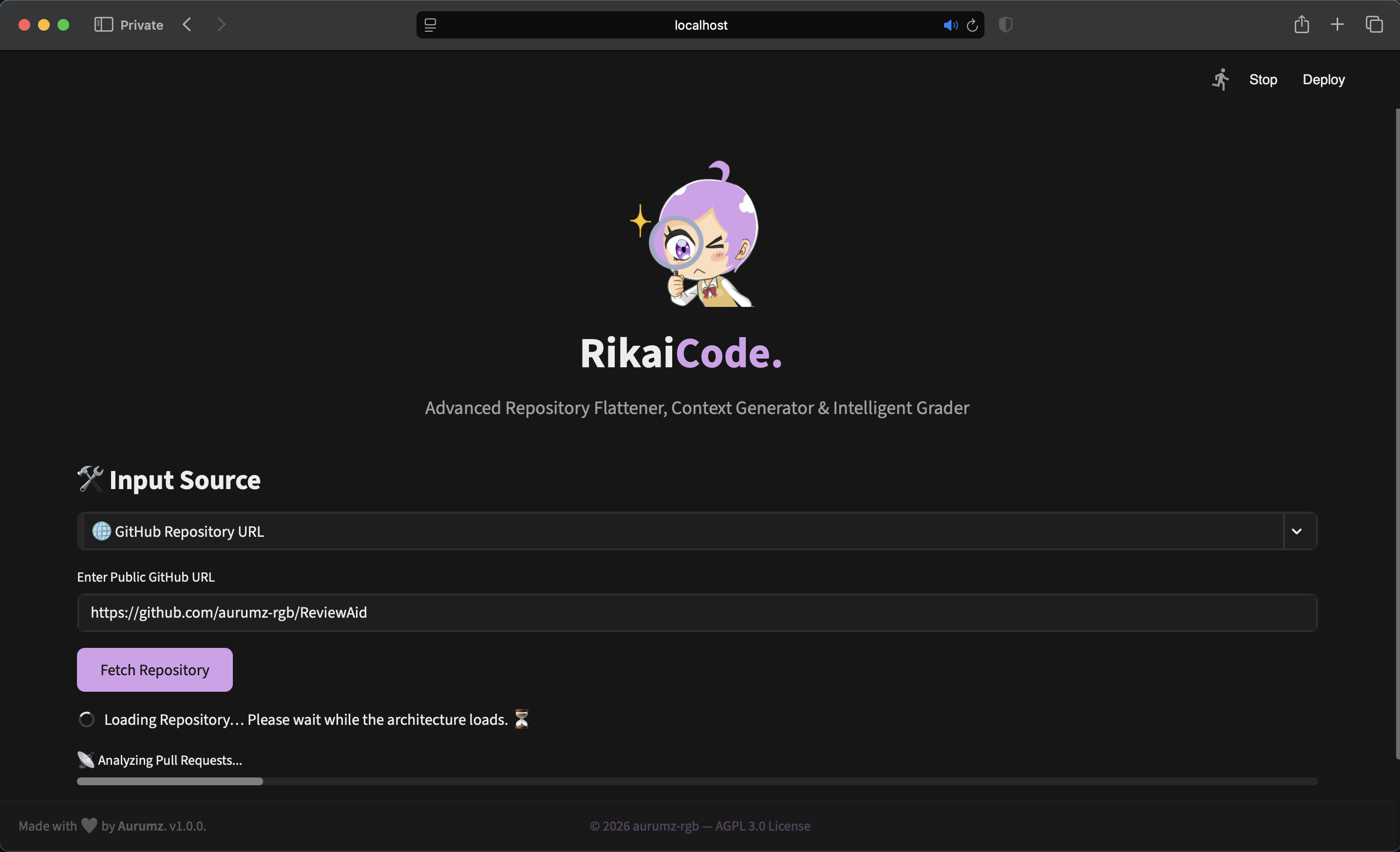
RikaiCode is a sophisticated, browser-based tool designed to turn complex codebases into structured, actionable data. Whether you need to feed code into an LLM, audit a project's quality, or simply understand a new architecture, RikaiCode provides the insights you need in a beautiful interface.
It acts as a bridge between raw source code and actionable intelligence, offering features ranging from Repository Flattening for LLM context preparation to Intelligent Grading based on popularity, activity, and static code quality.
🚀 How to Use
Getting started with RikaiCode is simple. Follow these steps to analyze your codebase:
Open RikaiCode
Click the "Launch RikaiCode Online" button to open the web application in your browser.
Provide Repository
Enter a GitHub/GitLab URL or upload a local ZIP file containing your codebase.
Get Results
View detailed reports, download flattened code, or explore AI-generated insights.
📸 Screenshots
Preview of the available features and interface.
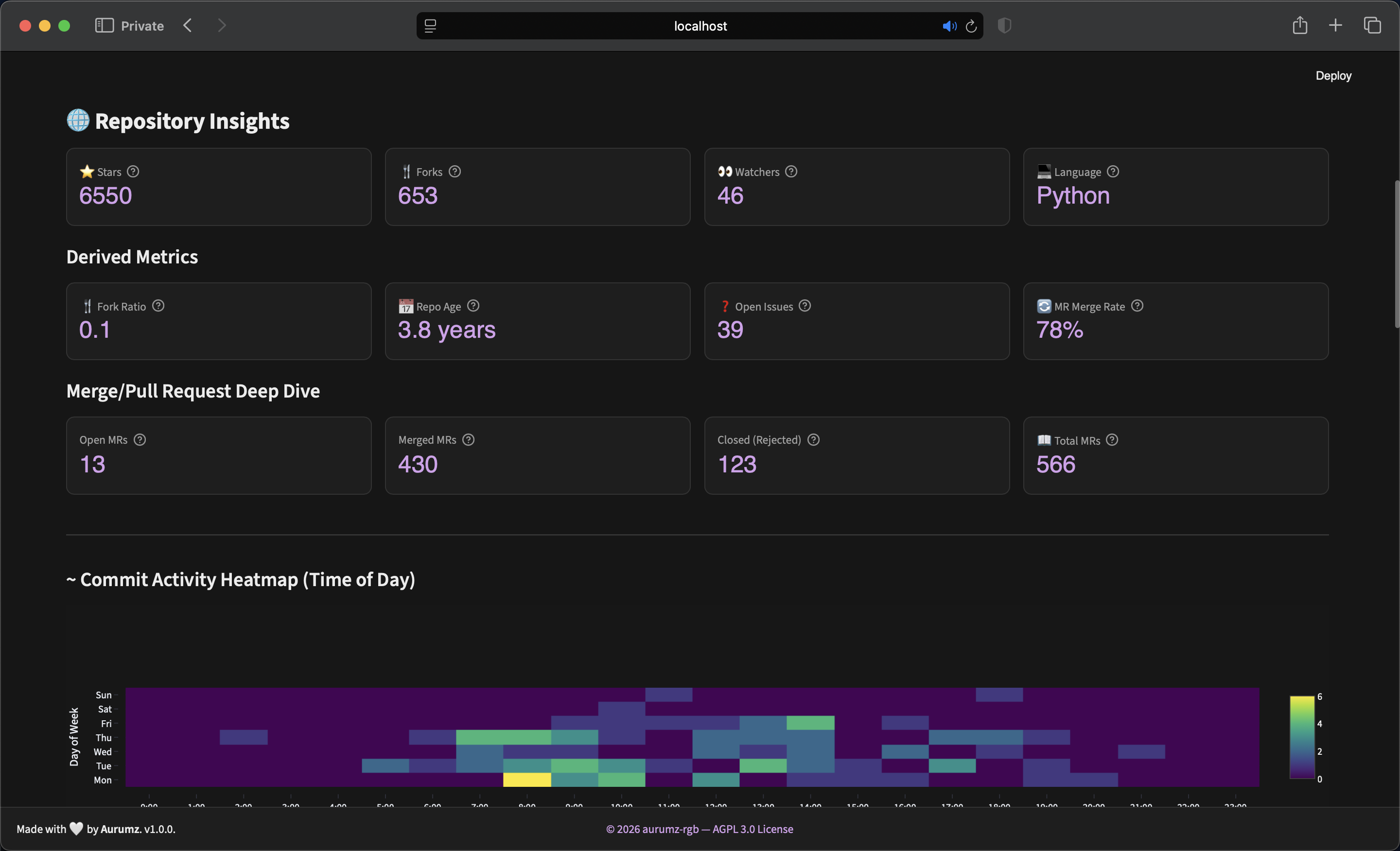
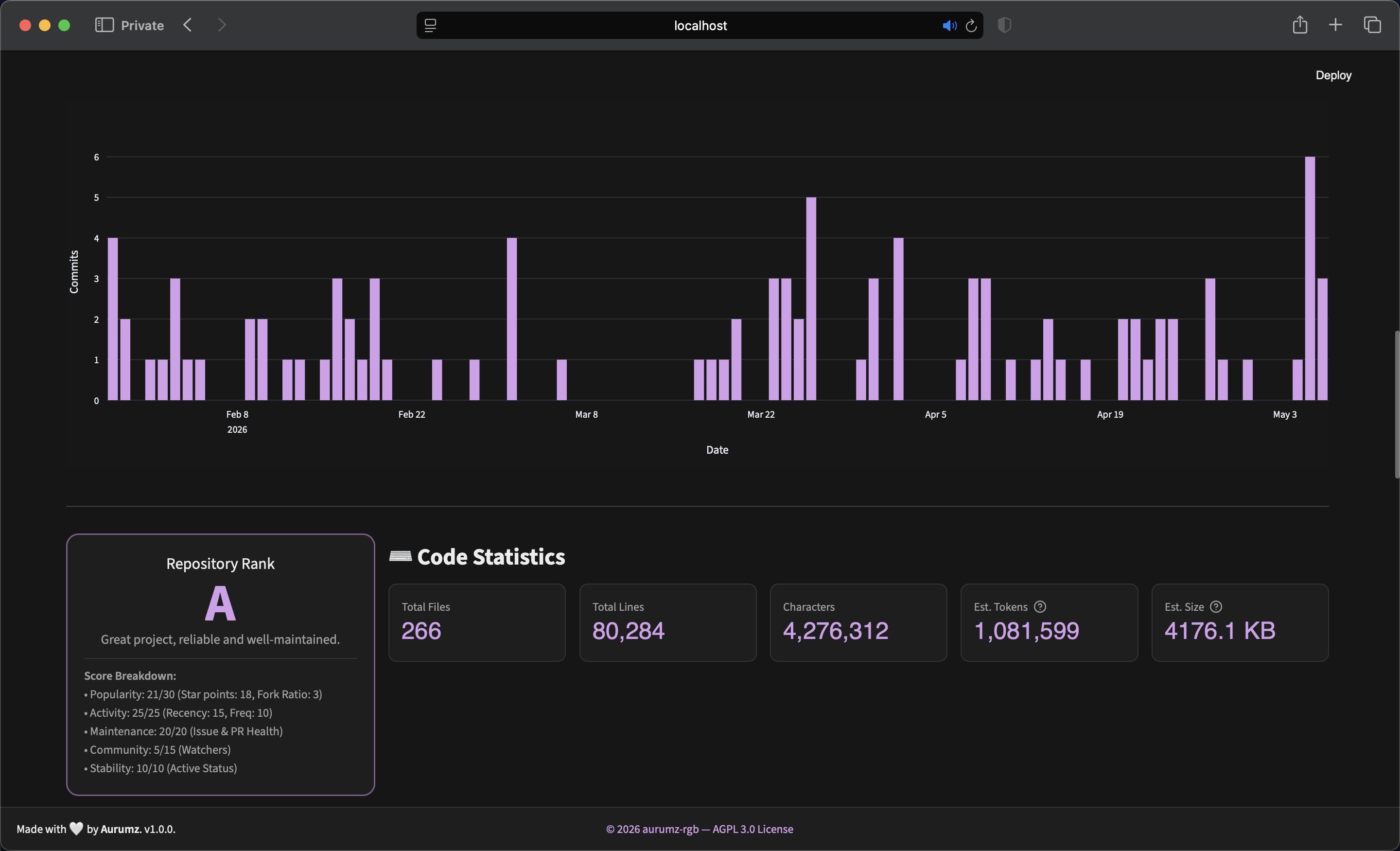
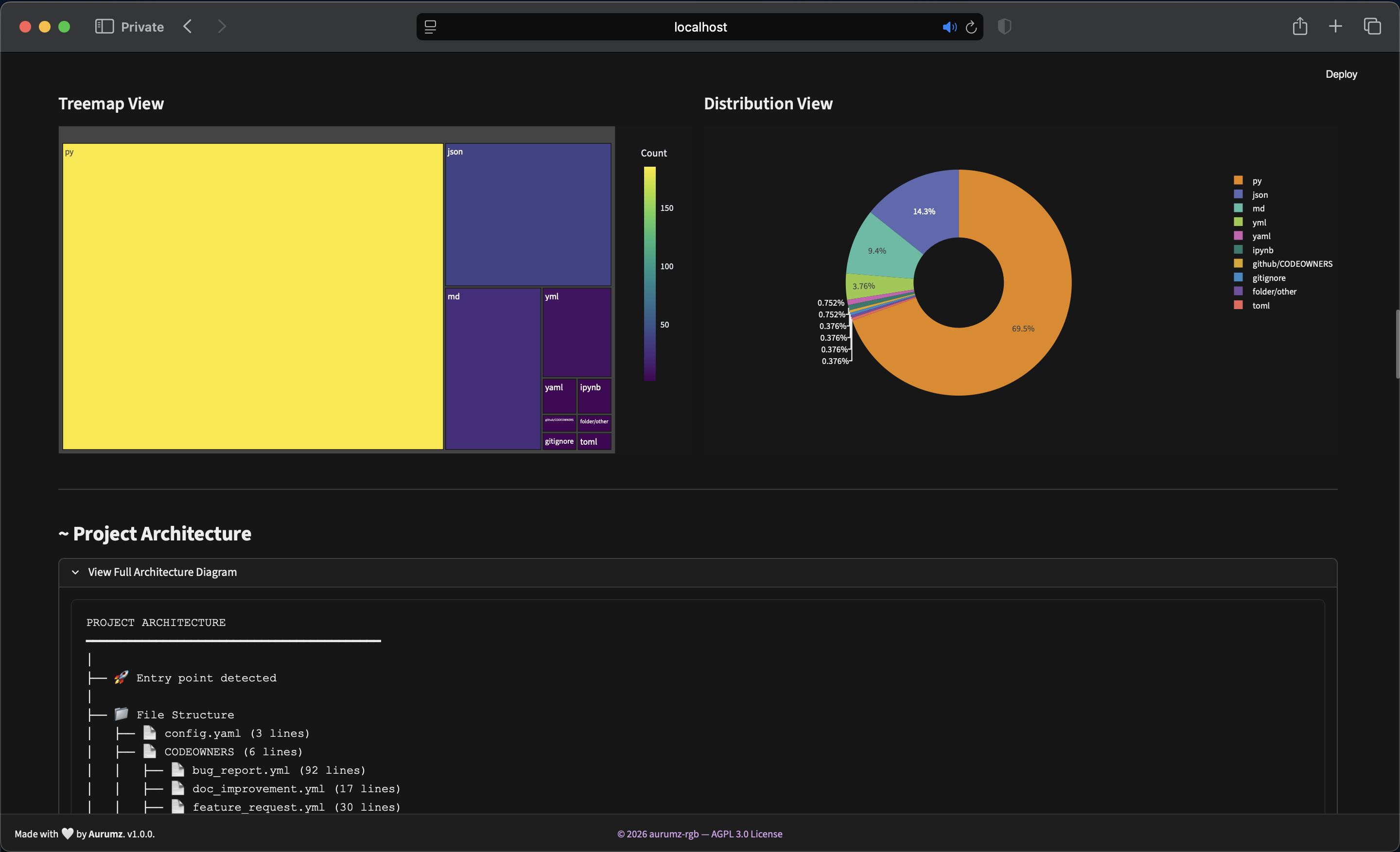
Dashboard Overview
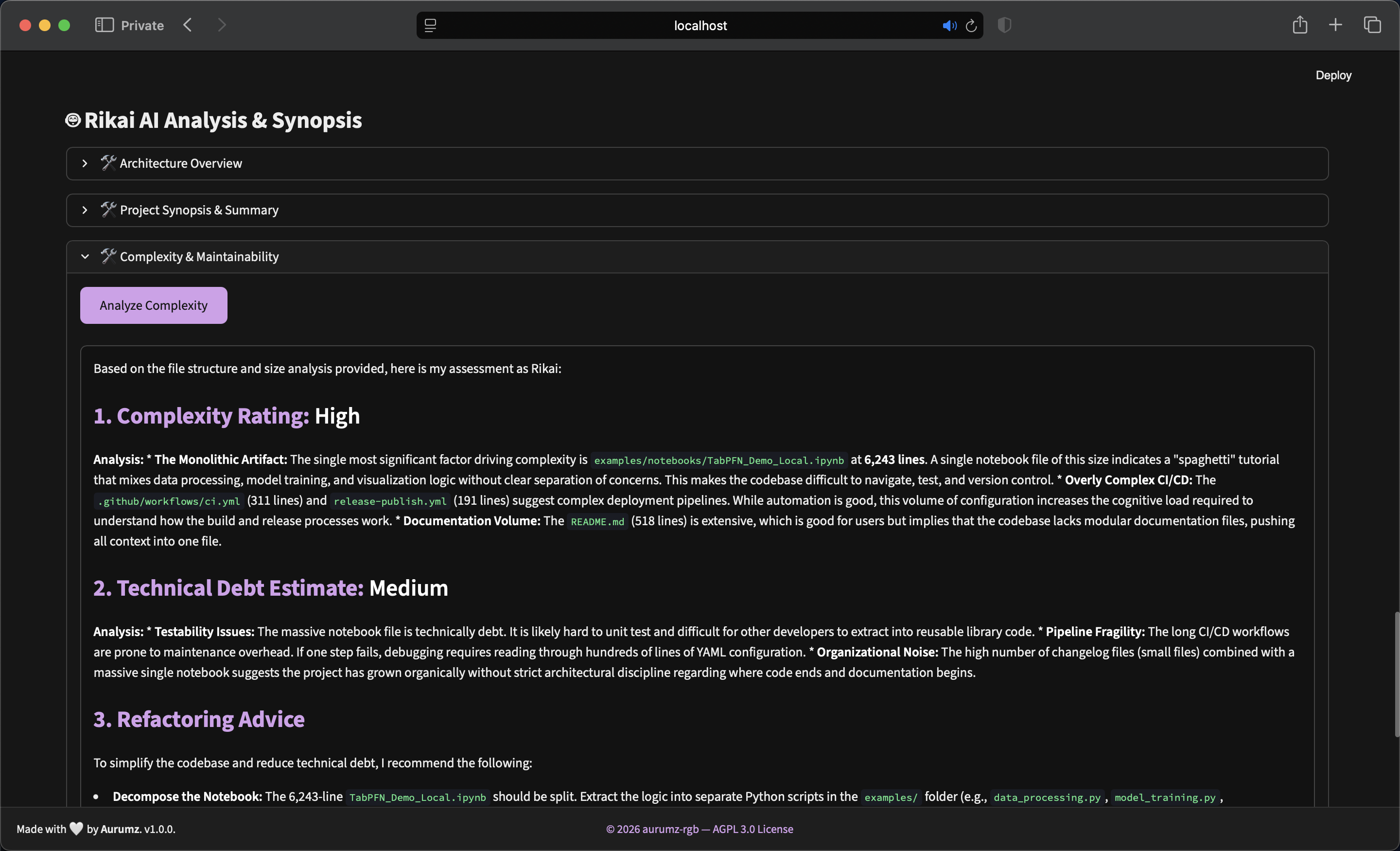
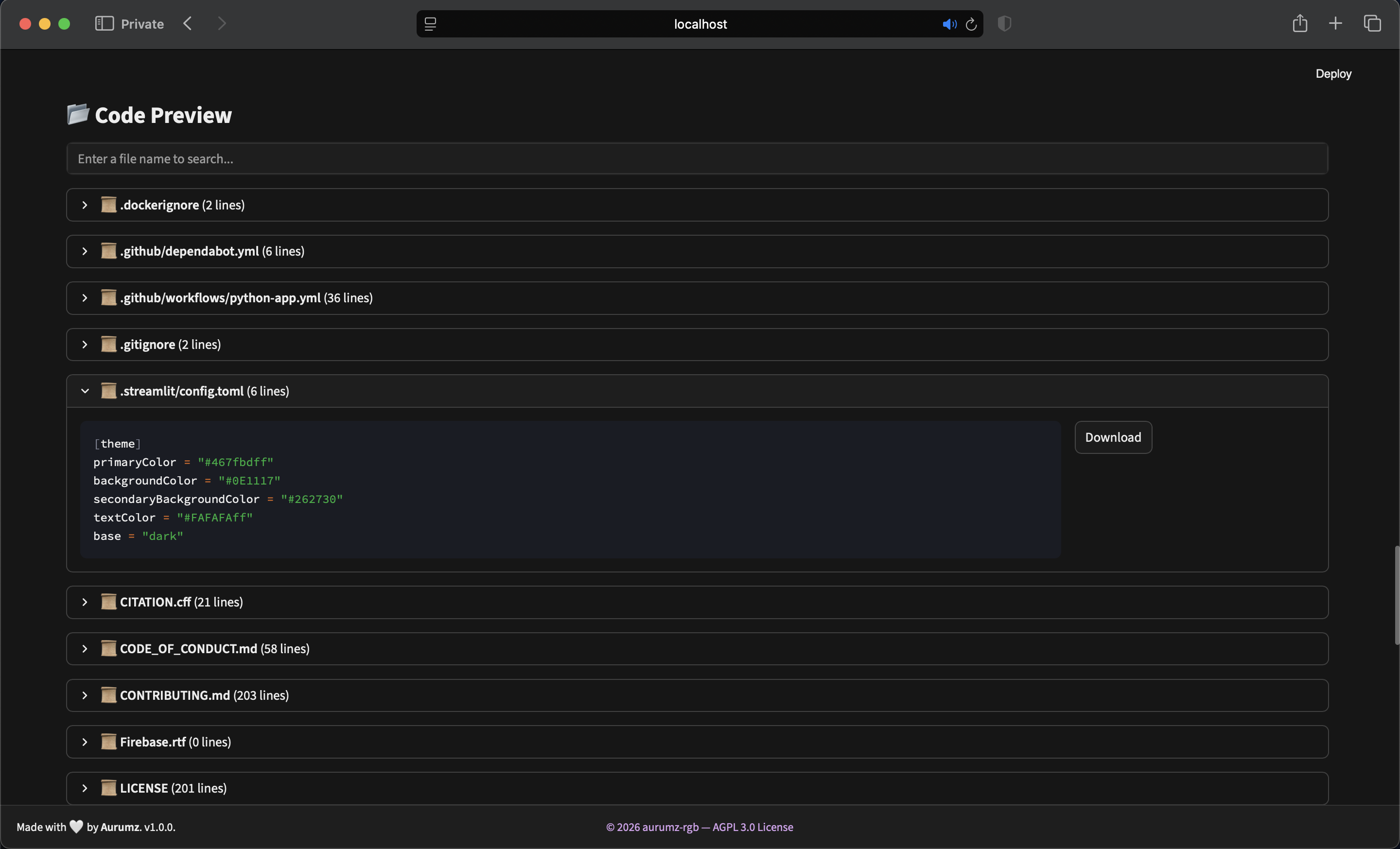
AI Analysis & Flattener
Intelligent Grading
RikaiCode uses a 100-point scoring system. The grade is determined by summing points across five key categories. The system switches between Remote Analysis (for GitHub/GitLab) and Static Analysis (for local files).
Remote Repository Scoring
| Category | Weight | Criteria |
|---|---|---|
| Maintenance | 35 pts | The biggest quality factor. Rewards low issue backlogs (15 pts) and high PR/MR merge rates (20 pts). |
| Activity | 30 pts | Measures Recency (15 pts) using a forgiving decay curve, and Commit Frequency (15 pts). |
| Popularity | 15 pts | Logarithmic scaling for Stars (10 pts) and Forks (5 pts). Normal repos can score high. |
| Community | 10 pts | Based on the number of Watchers. |
| Stability | 10 pts | Active projects get full points; archived repos get 0. |
Static Code Scoring
| Category | Weight | Criteria |
|---|---|---|
| Documentation | 25 pts | Checks for README presence/size (15 pts) and Comment Density (10 pts). Uses forgiving thresholds. |
| Structure | 25 pts | Modularity (15 pts) allows up to 400 avg lines/file. Organization (10 pts) rewards entry points. |
| Best Practices | 25 pts | Checks for dependency files (10 pts), .gitignore (5 pts), License (5 pts), and CI (5 pts). |
| Scale | 15 pts | Total lines of code. Larger, mature projects score slightly higher. |
| Stability | 10 pts | Based on file count. Multi-module projects score higher. |
Grade Tiers Calculation
| Score Range | Grade | Interpretation |
|---|---|---|
| 95 - 100 | A++ | Exceptional - top-tier project with outstanding metrics. |
| 90 - 94 | A+ | Excellent - strong, well-maintained, trusted by the community. |
| 85 - 89 | A | Great - reliable, active, and follows best practices. |
| 80 - 84 | A- | Very good - solid project with minor gaps. |
| 75 - 79 | B+ | Good - generally healthy but room for improvement. |
| 70 - 74 | B | Above average - usable but verify specific metrics. |
| 65 - 69 | B- | Fair - functional with notable weaknesses. |
| 60 - 64 | C+ | Average - review maintenance and activity carefully. |
| 50 - 59 | C | Below average - possible stagnation or quality concerns. |
| 40 - 49 | D | Weak - likely unmaintained or poorly structured. |
| < 40 | F | Poor - high risk; do not use without significant review. |
🤖 AI Features
RikaiCode leverages the GLM-4.7-Flash model to provide intelligent insights that go beyond simple statistics.

Architecture Overview
Identifies architectural patterns (e.g., MVC, Microservices) and summarizes the project's purpose.
Project Synopsis
Generates an "Executive Summary" including problem statement and target audience.
Interactive Code Review
Select any file to receive a detailed review covering strengths, improvements, and security checks.
Function Explainer
Specifically for Python. Select a function, and Rikai will explain its logic and edge cases.
Complexity Analysis
Estimates technical debt and complexity level based on file sizes.
Developer Onboarding
Creates a "Getting Started" guide with installation steps and run commands.
Use Cases
LLM Context Preparation: Flatten entire repositories into a single text file (TXT/JSON) to use as context for ChatGPT, Claude, or Gemini. It strips binaries and formats code perfectly for optimal token usage.
Code Quality & Grading: Get an instant "Health Score" for any public repository. Analyze commit frequency, maintenance activity, and community engagement at a glance.
Security Audits: Run heuristic scans to detect hardcoded API keys, AWS secrets, private keys, and other sensitive information that shouldn't be in your codebase.
Architecture Onboarding: Visualize file structure, detect dependencies, and read AI-generated summaries to understand new projects in minutes instead of hours.
License
Open Source. Licensed Under AGPL-3.0.
